The biggest change in VCF 9 by far is the centralised lifecycle that can all be managed from VCF Operations, but how does it work?
There are two main appliances for lifecycle, that is the Fleet Manager, this is responsible for all your fleet level components, and the SDDC Manager, responsible for all your workload domain components
The Fleet Manager handles:
- VCF Operations
- VCF Automation
- VCF Operations For Logs
- VCF Operations For Networks
- Fleet Manager
The SDDC Manager is responsible for:
- 1x Management Domain
- 24x Workload Domains
Per domain, it manages:
- NSX
- vCenter
- ESX
The only exception is the Supervisor, which is handled by VCenter
Everything is accessed from the dedicated Lifecycle tab in VCF Operations, and its split in two, depending on the managing appliance, we have our VCF Management for our fleet components, and VCF Instances for our SDDC Managers and their domains
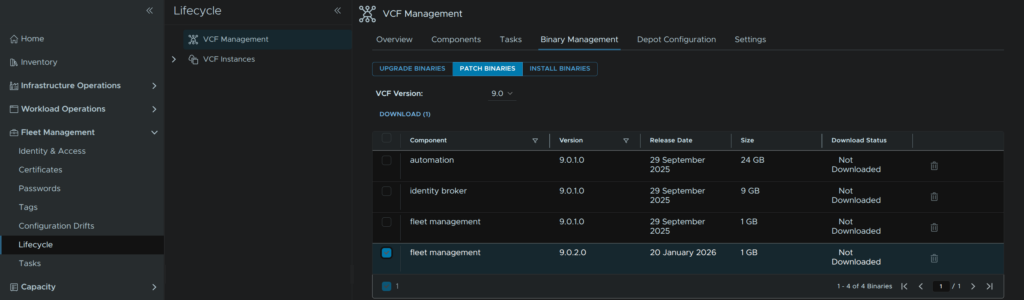
For VCF Management we get Binary Management for all systems, with patch and upgrade binaries
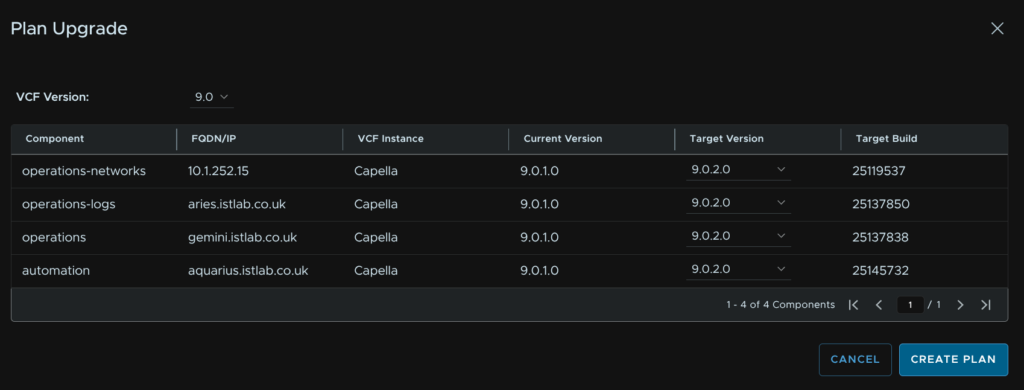
We can then plan our lifecycle for fleet components ensuring the target versions are interoperable
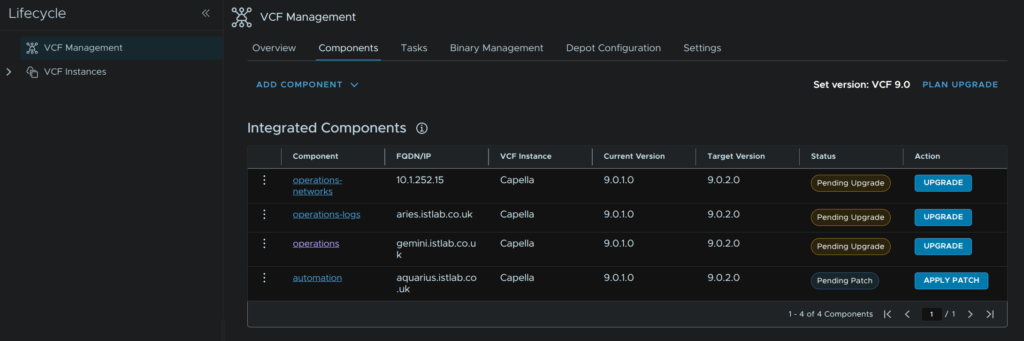
And from there we can apply upgrades/patches using the easy wizard which runs all the pre checks and we can fill out any info we need
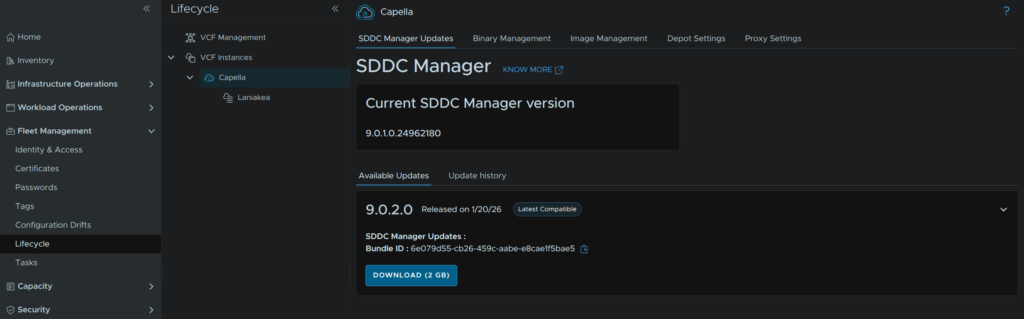
The SDDC Manager has its own updates and is easily manageable
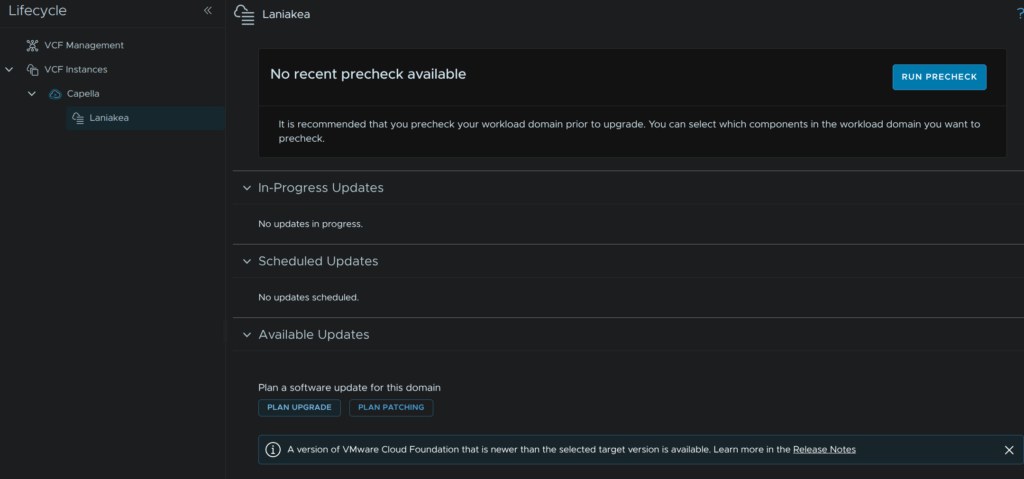
We can then plan an upgrade for our workload domains
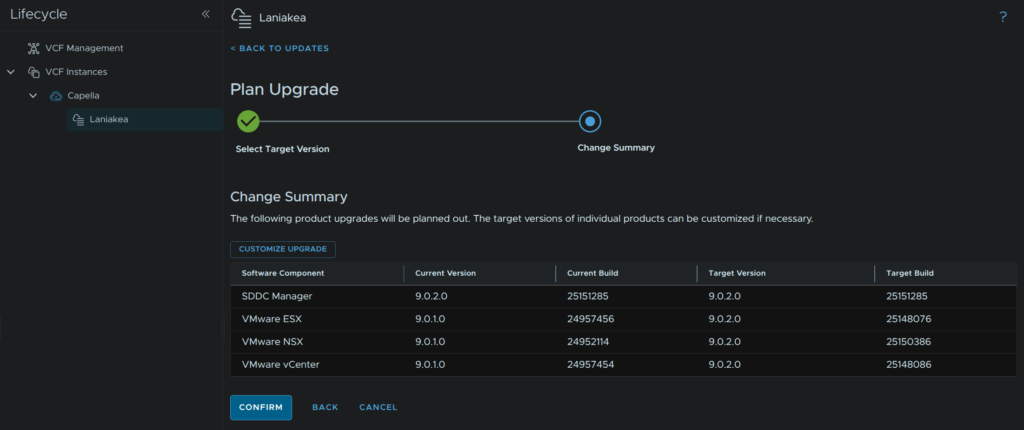
We can choose our target version, which checks interoperability, and gives us all the information we need on our target versions
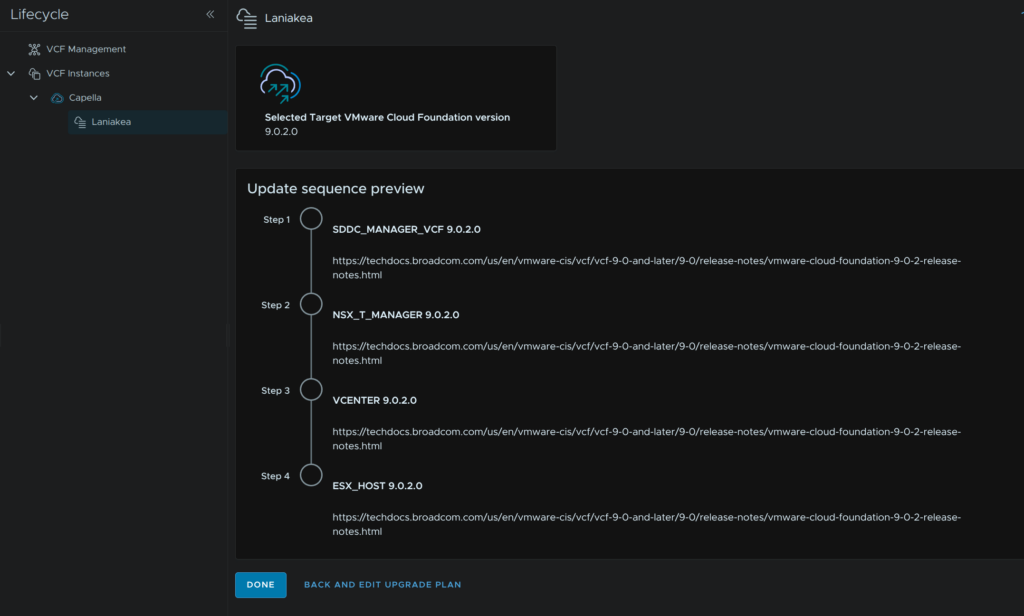
From there a nice plan and order is generated and the system ensures we follow best practices and components are done in the correct order and all pre checks are ran to ensure there are no issues
From there is as easy and following through the wizard in the UI and scheduling a time for the upgrade, you can do it immediately, or plan it out of hours so its done for the next morning
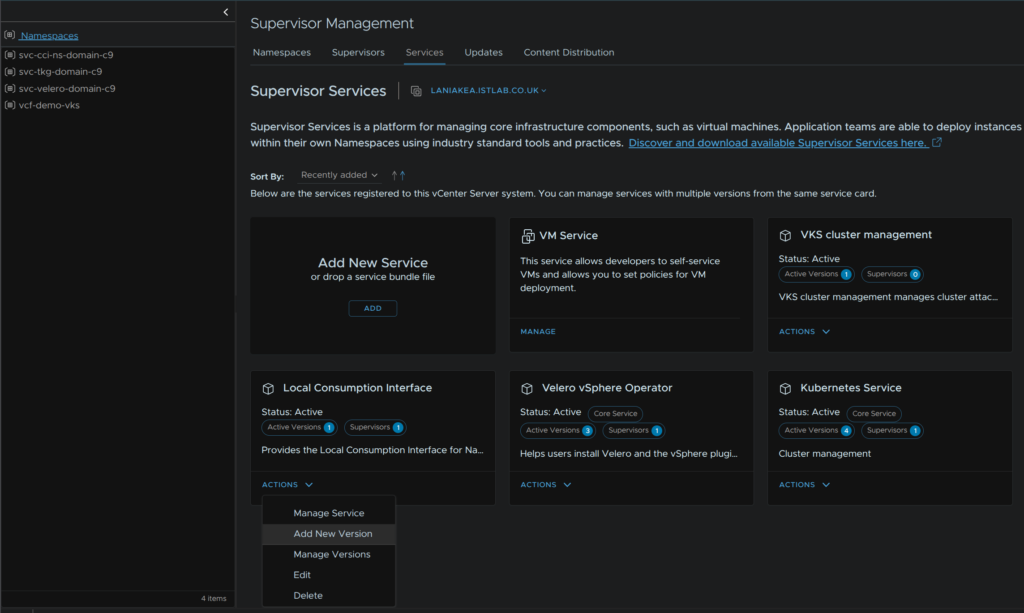
The Supervisor is the only standalone component, it can be managed independently of vCenter updates, but if there are any updates, they can easily be applied per Supervisor in a workload domain from the Supervisor Management tab
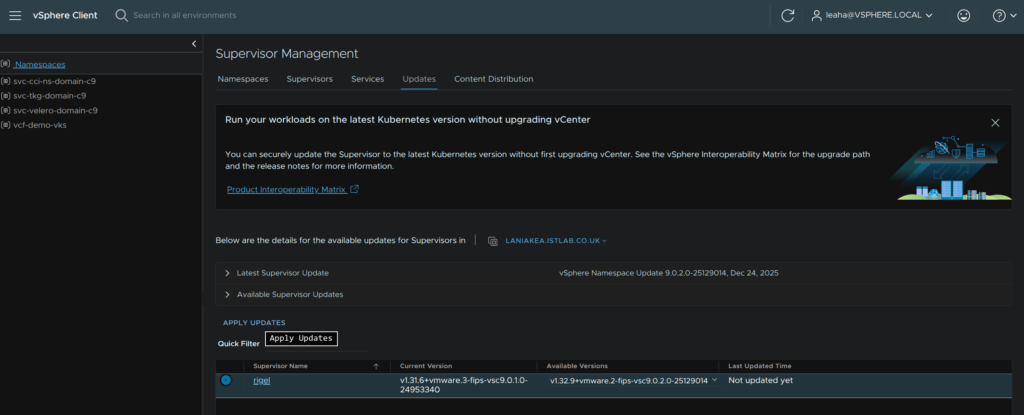
And after, we can upgrade our services as needed on a per service and per Supervisor level